
Microsoft Office Professional Plus2021/2024 For Mac
Please follow the steps below to install and activate your license.
Pre-installation Work
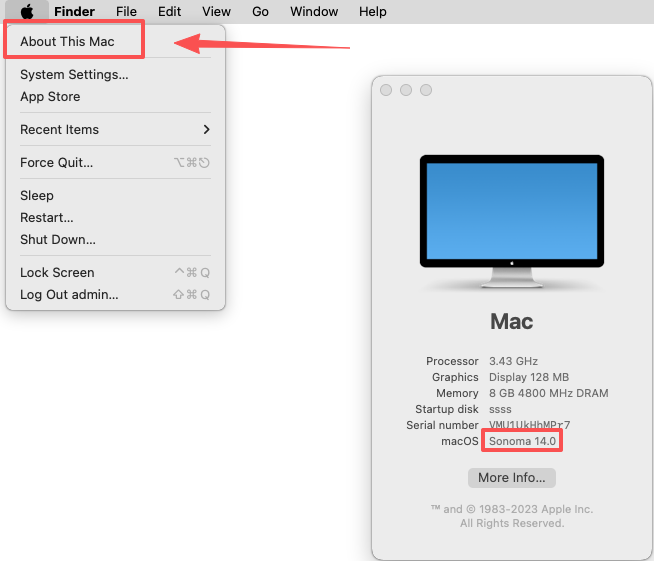
Check computer system version
Office 2024 requires Mac OS 13.0 or later. Please check your system version.
Please uninstall other Office software
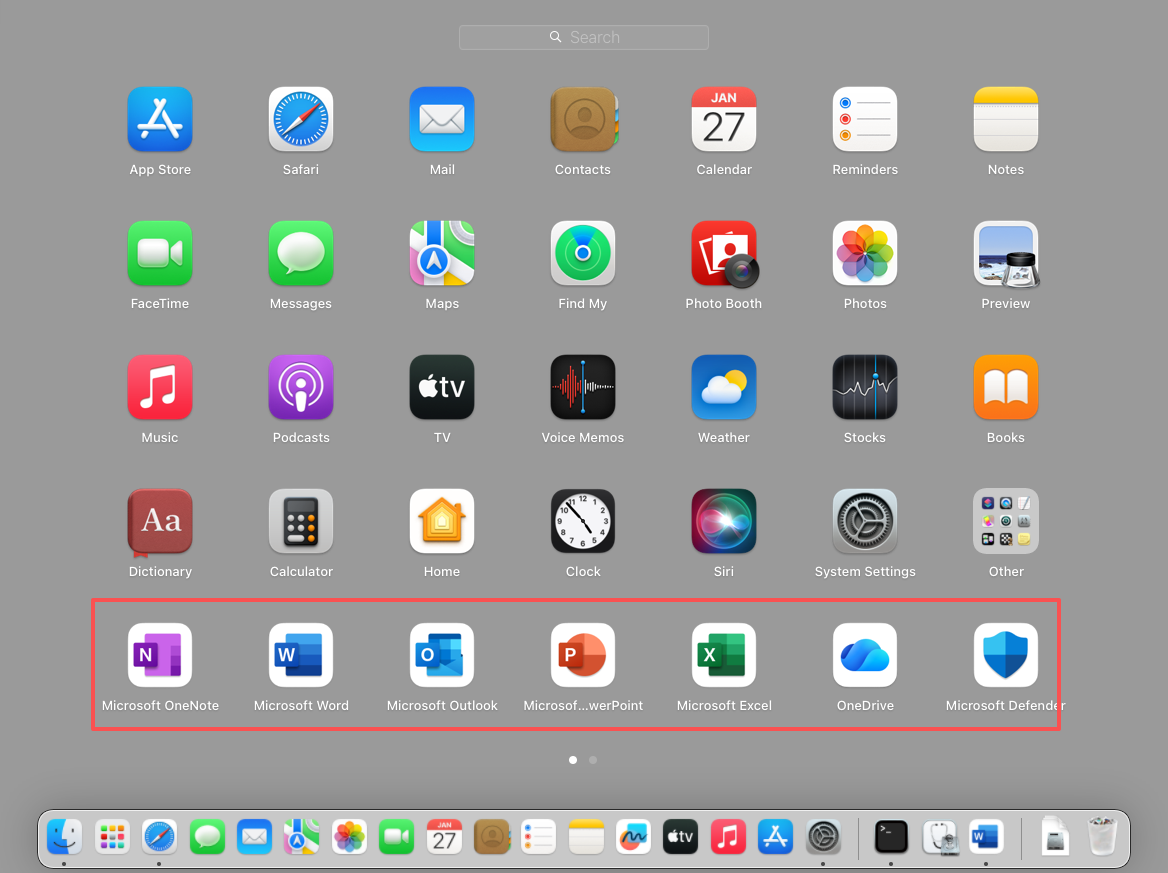
Office apps include: Word, Excel, PowerPoint, OneDrive, and Outlook. Please remove these before installing.
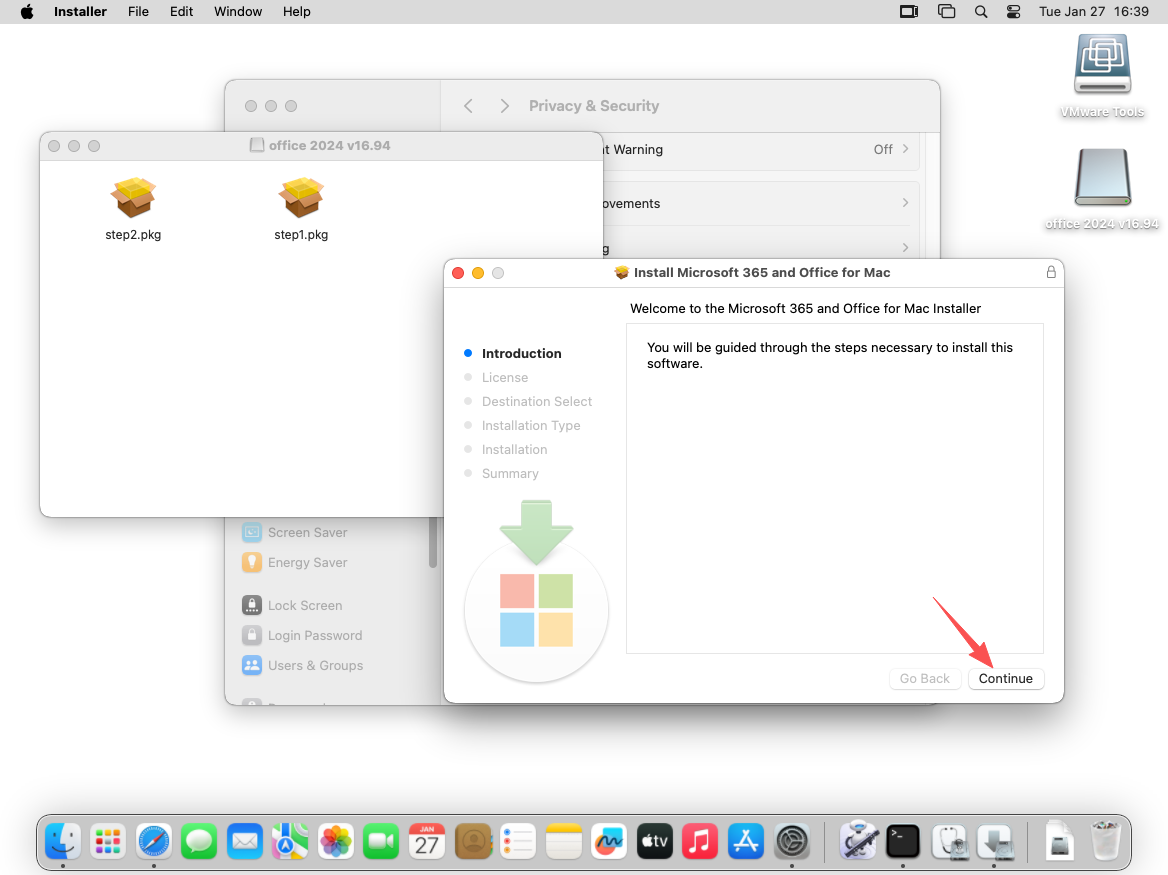
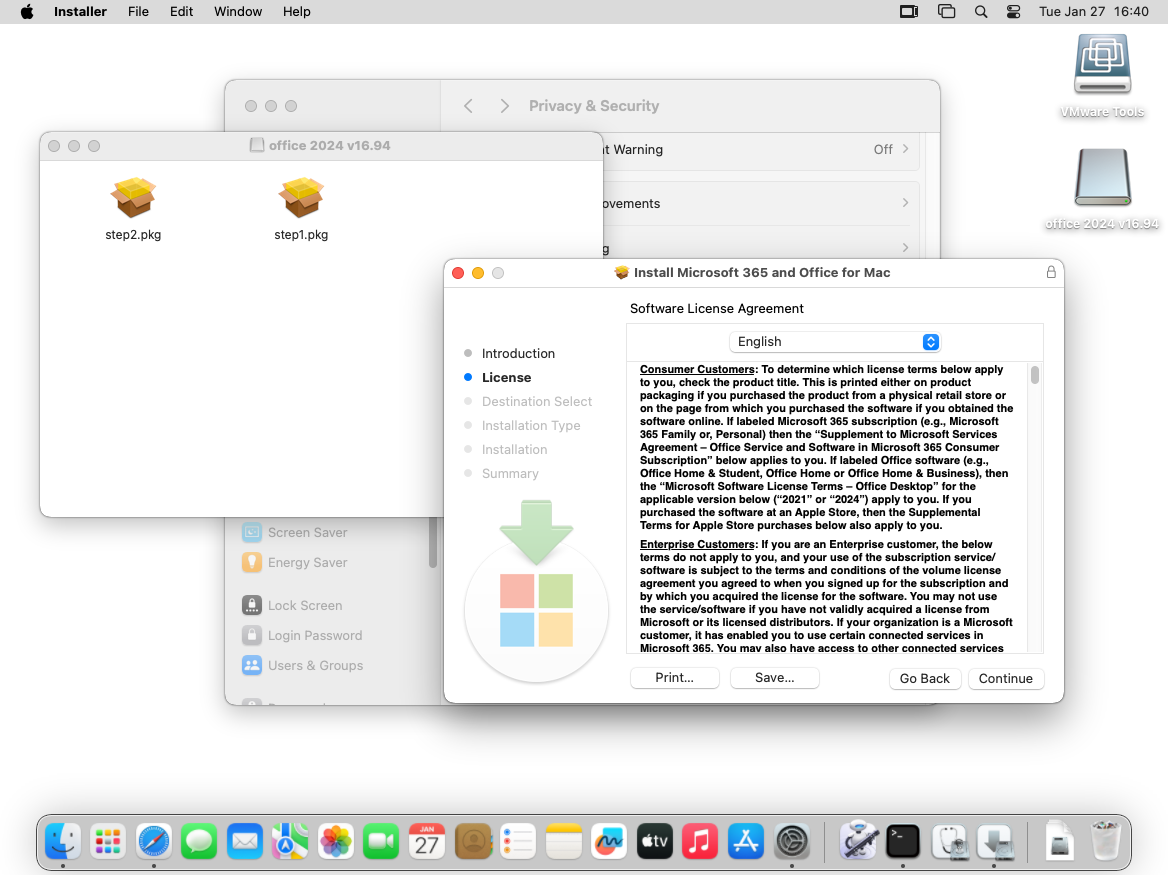
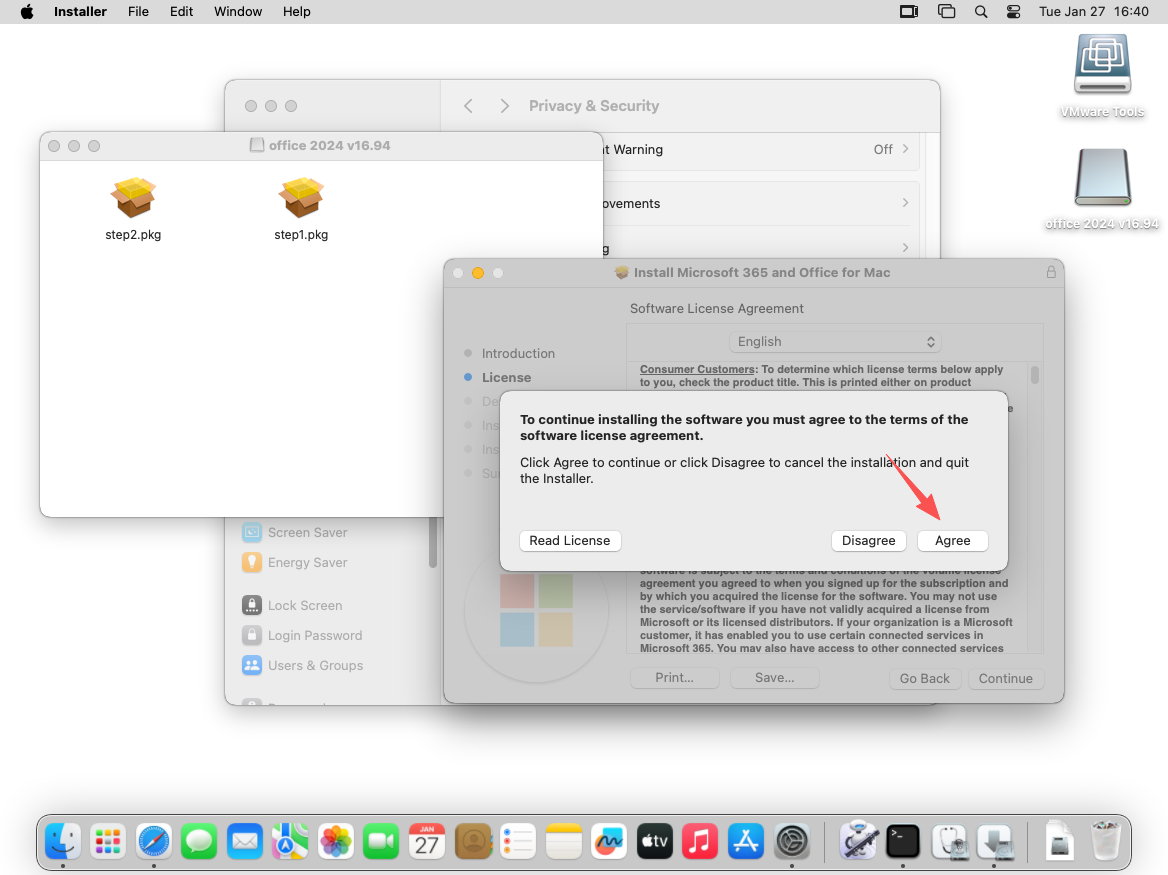
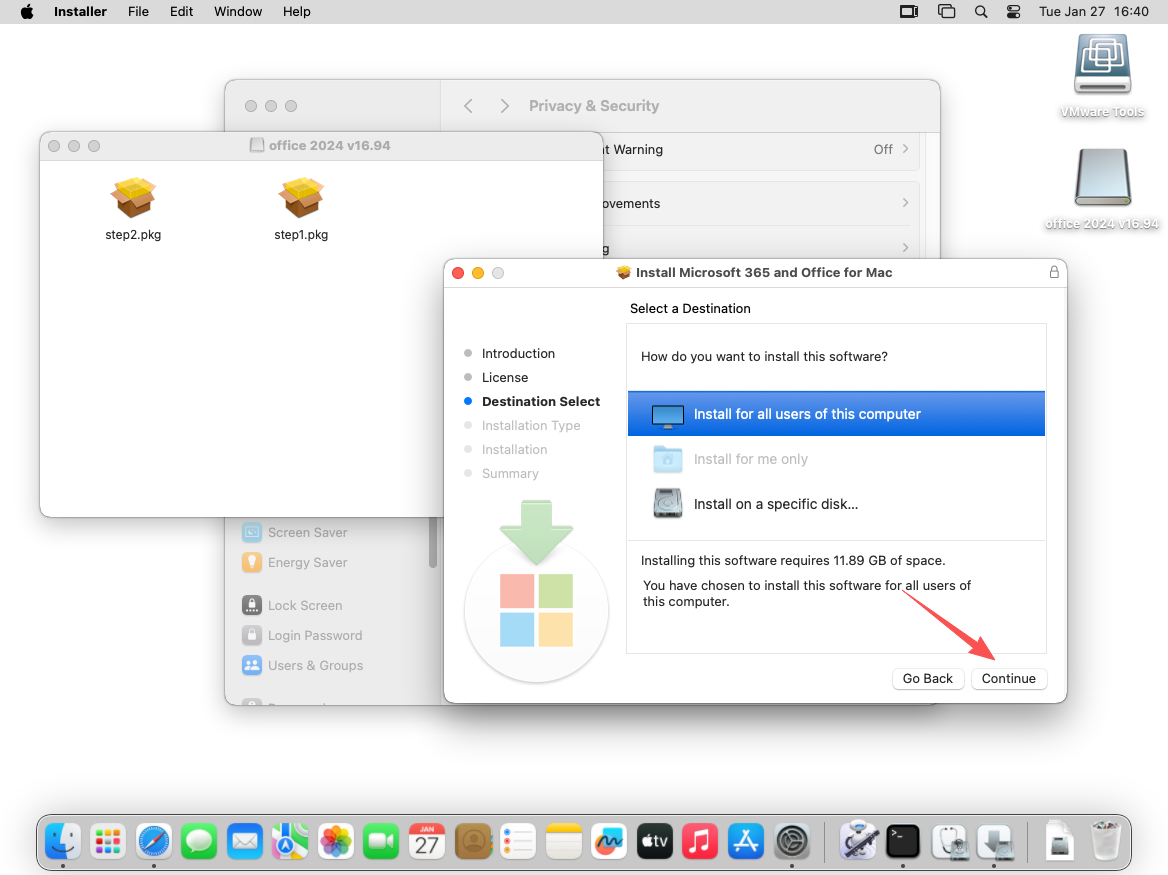
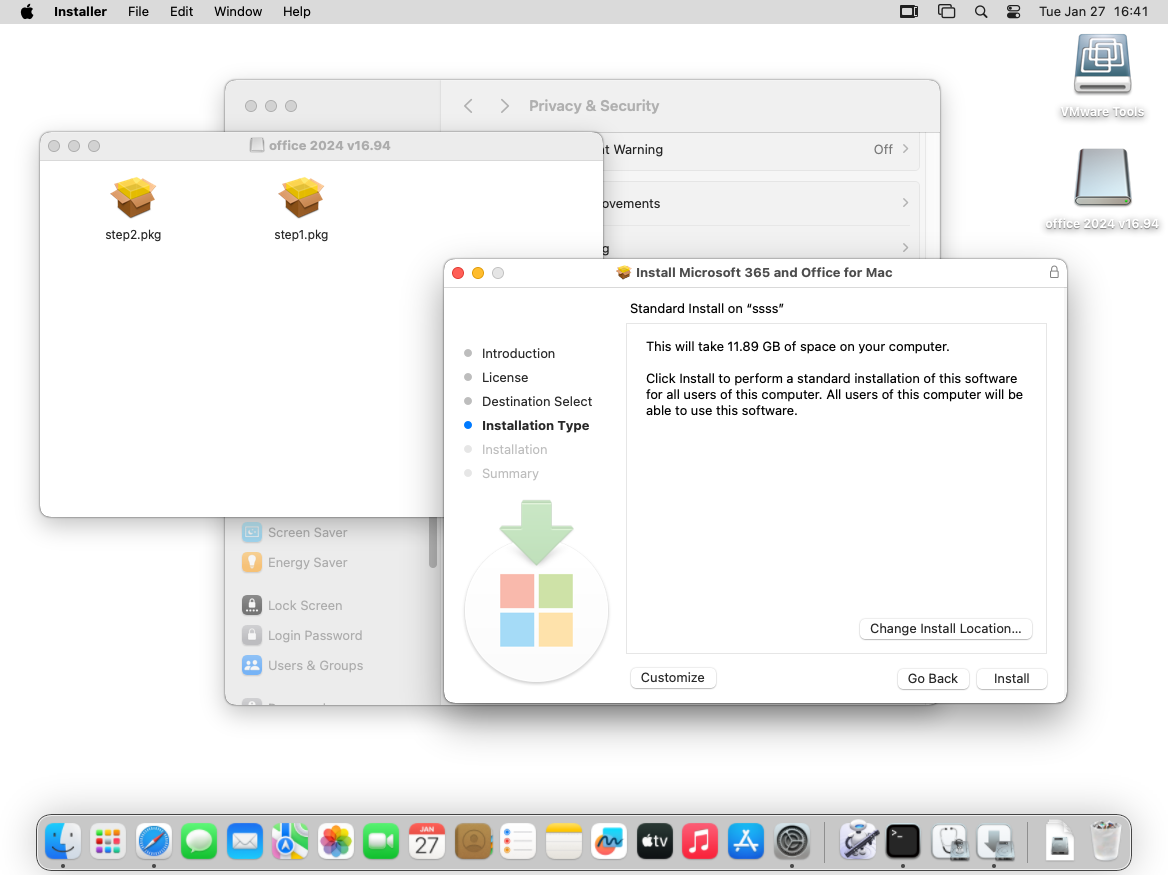
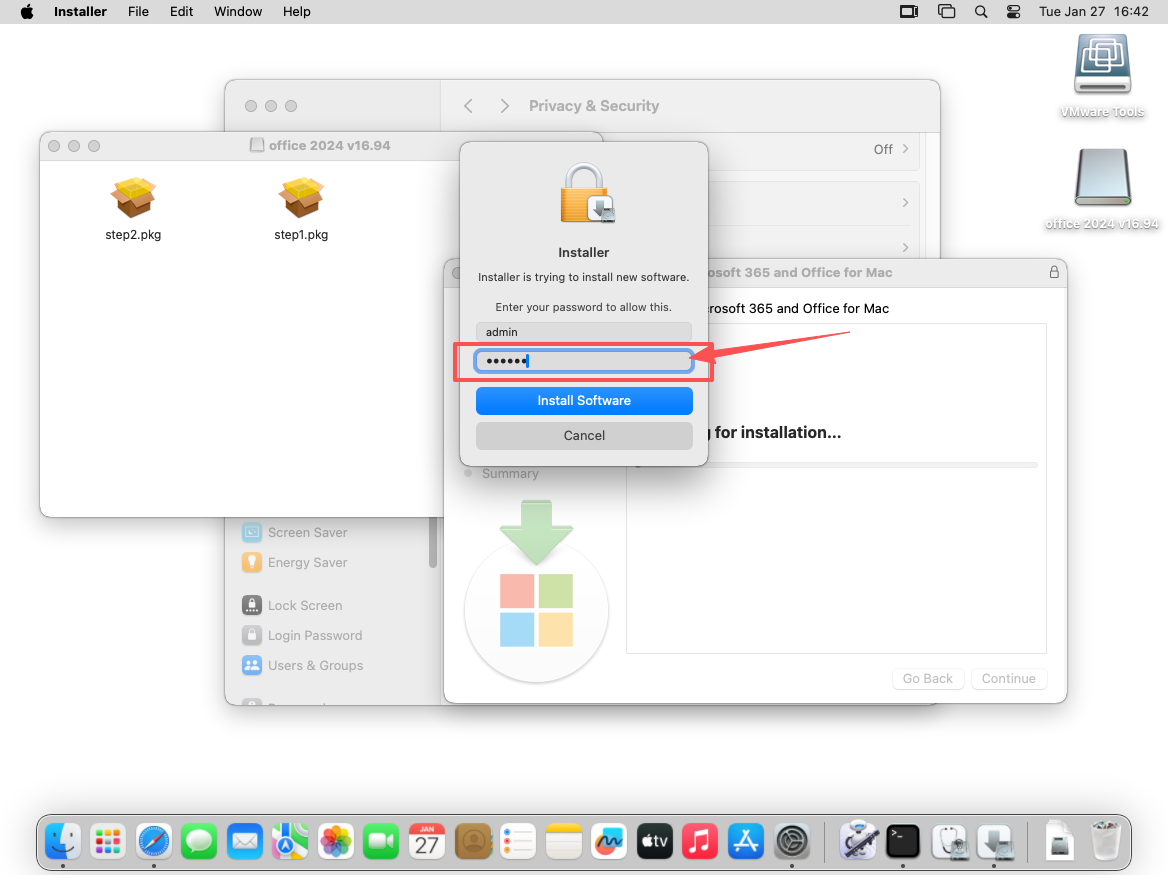
Install Step1.pkg
Click 2021.dmg or 2024.dmg, Mount (open) the downloaded image. Open Finder – Location


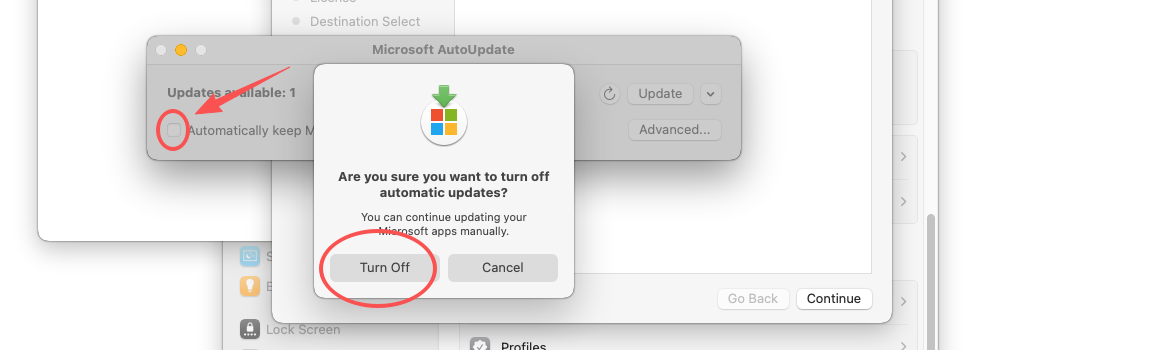
Disable automatic updates.
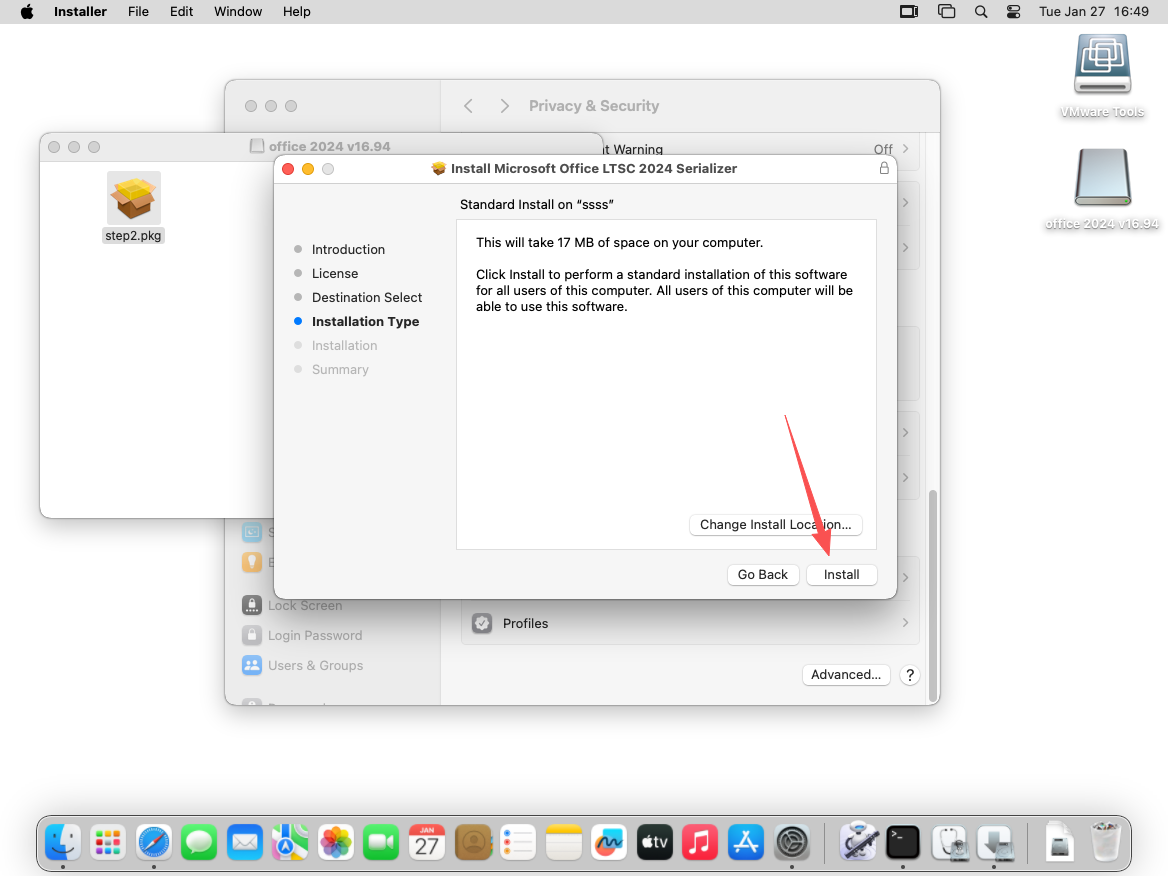
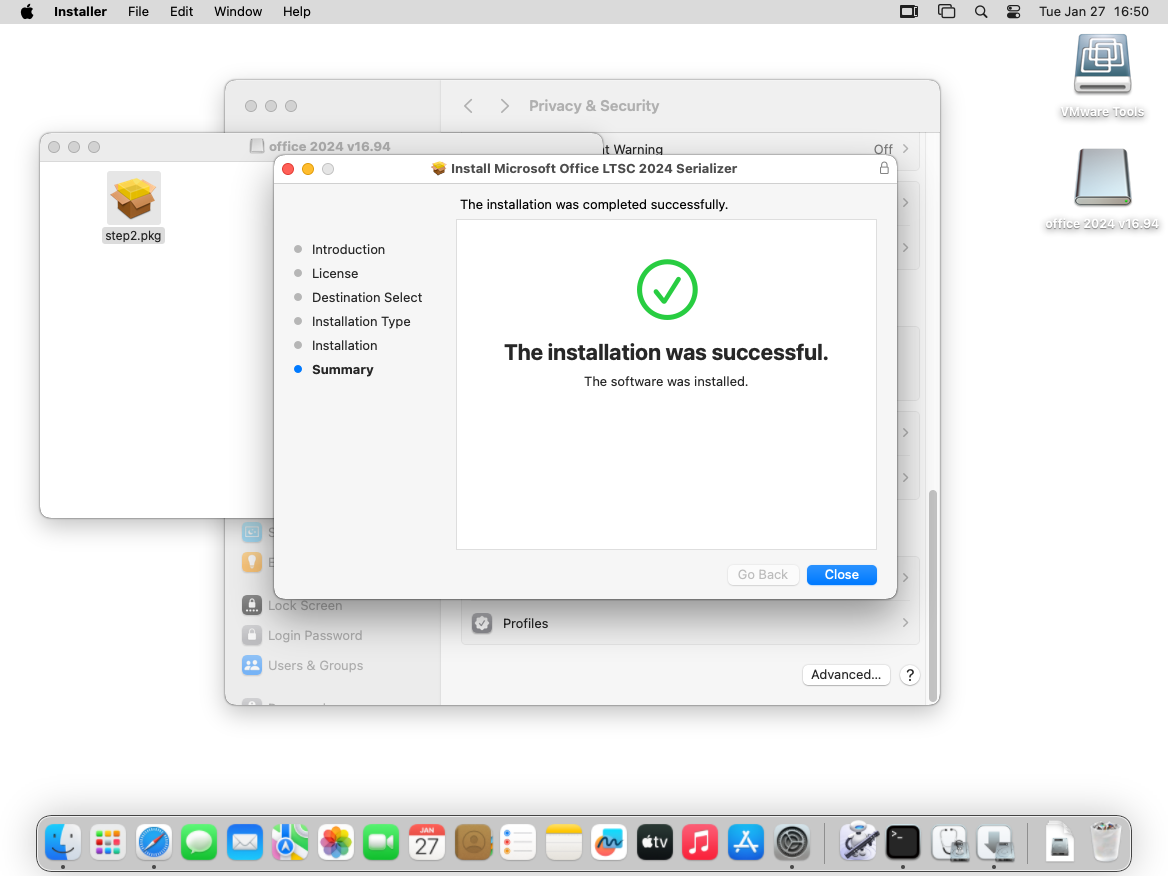
Install Step2.pkg
Install according to the installer prompts.(Default installation like before)