
IBM SPSS Statistics (v31/v30/v29) Installation & Activation Guide
Step-by-step instructions to download, install, and activate your license.
Part 1: Download SPSS
Please download the version matching your license key. If the file is compressed (.zip/.rar), please extract it fully before running the installer.
Please install the version corresponding to the one you ordered. Once the product key is provided, no refunds will be accepted.
Part 2: Copy Lock Code
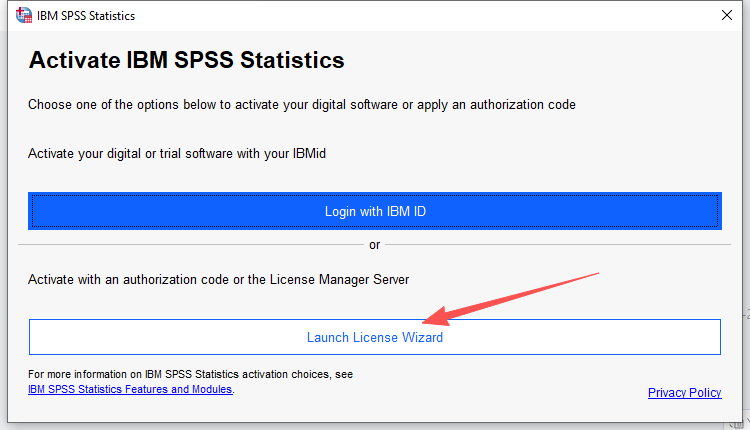
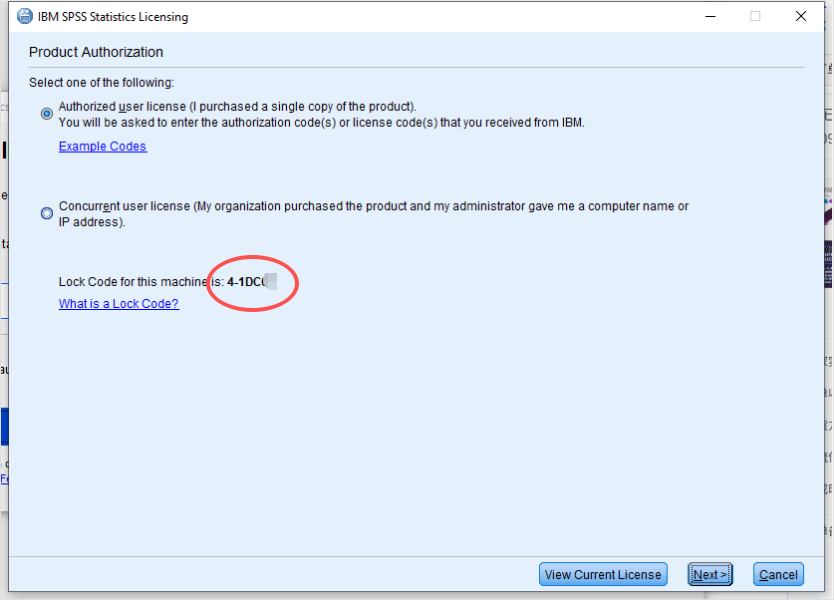
1. Run License Wizard
Open SPSS and launch the License Wizard
2. Copy Lock Code
- Copy Lock Code
Part 3:Obtain license code
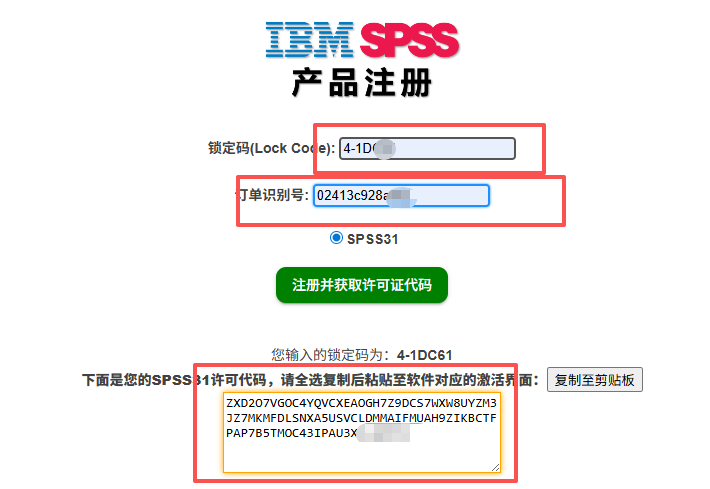
1.Select the corresponding version (Get License Code)
Get License Code-V31 Get License Code-V30 Get License Code-V29- Enter your lock code
- Enter Key (We provide)
- Copy License code
Part 4:Obtain license code
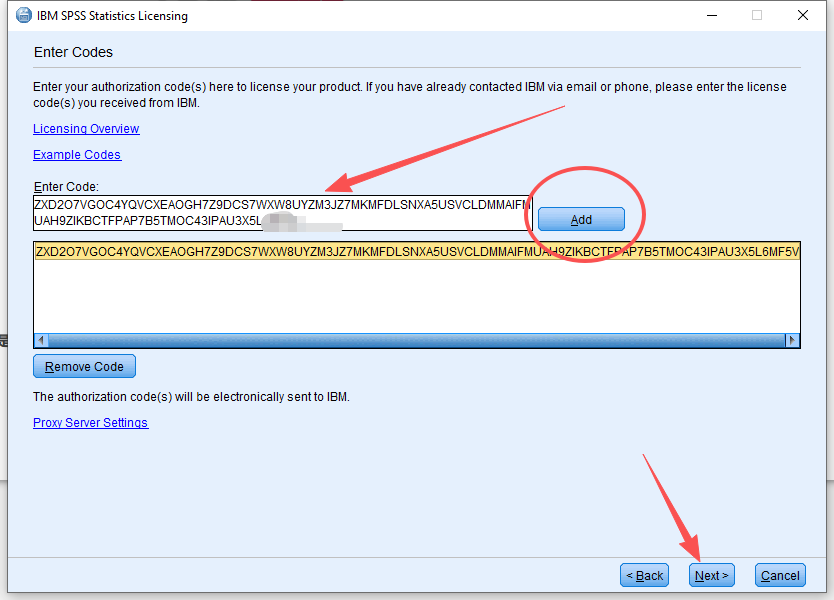
Select the first option: “Authorized user license”. Click Next.

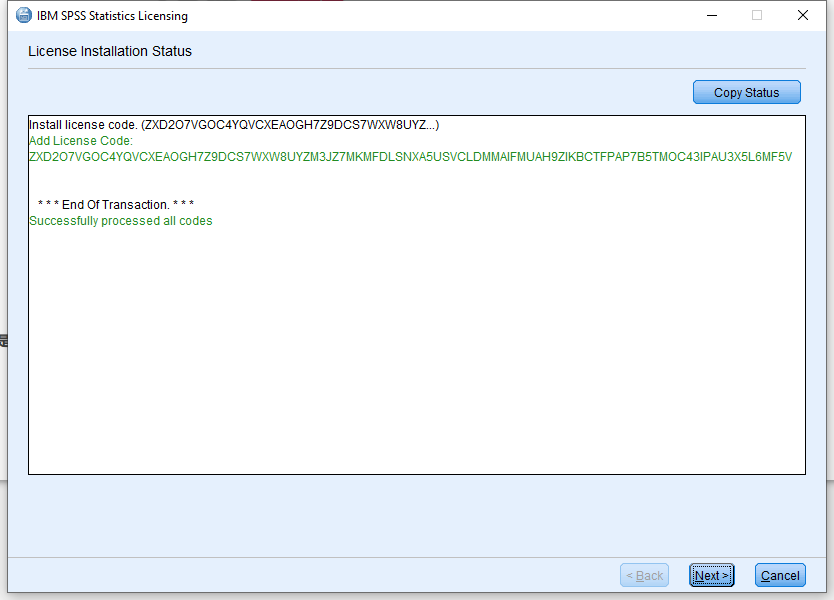
Enter the License Code just get. Click Add, then Next.
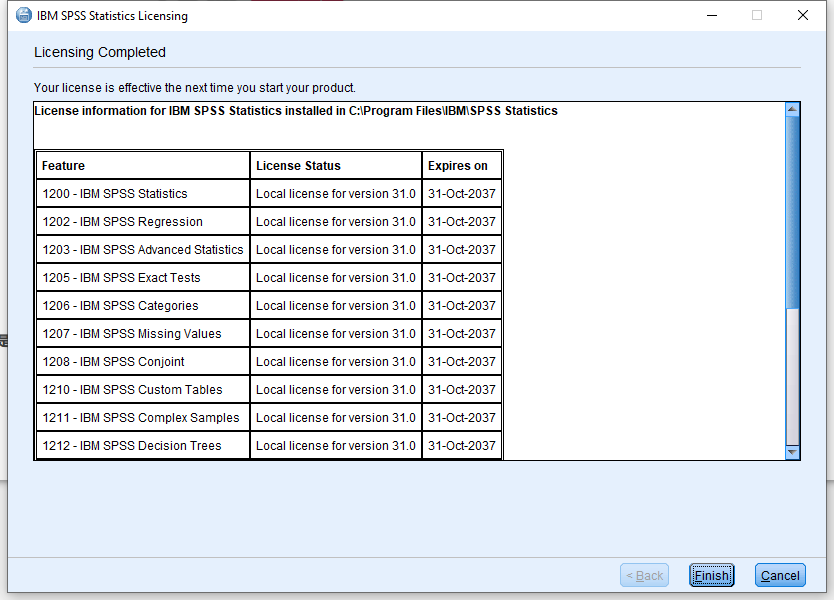
Success!