
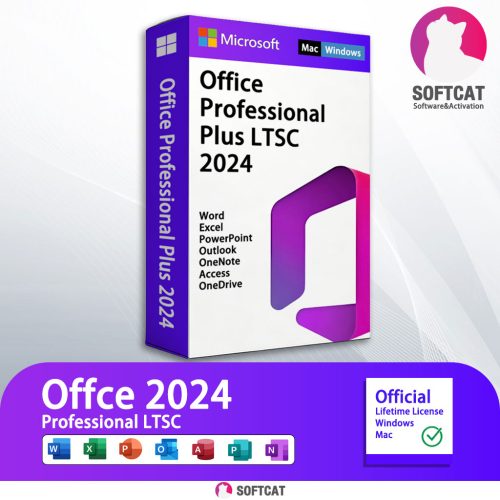

Microsoft Office Professional Plus2024 LTSC
Please follow the steps below to install and activate your license.
Step 1: Download the Installation Tool
Office Tool PlusClick the button and download
Step 2: Extract the document
Click on your download content

Extract All

Step 3: Install Microsoft office LTSC professional plus 2024
Open office tool plus

If you currently have other versions of Office, please be sure to remove them

Click Home install Microsoft office LTSC professional plus 2024

Waiting for download

After the download is completed, it will be automatically installed

Step 4: Activation and Verification
Open any office software, such as:: Word, Excel, PowerPoint

Click on File – Account

Change product key

Enter the product key, which I will provide to you,and Click Active Office

After Active Office

Please close the software and reopen it,Activation Wizard will pop up
Please select I want to activate the software by telephone

Take a screenshot or photo this to us(via shopee chat), I will send Confirmation ID to you.

Enter the confirmation ID I provided

After Enter Click Next,Successfully activated!

That’s all. Now you have your Office completely installed and activated. Enjoy your Office suite.