
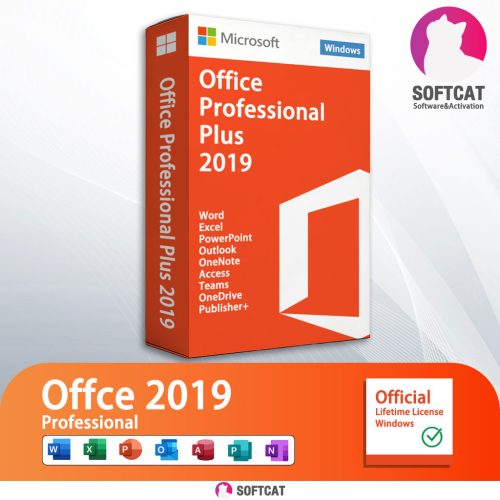

Microsoft Office Professional Plus2019
Please follow the steps below to install and activate your license.
Step 1: Download the installation package
Click the button and download
Step 2: Install Microsoft office professional plus2019
After the download finishes, select “Show in folder”

Mount or Extract it

After doing this step, on the left side of this same window, you will see that an Office device appears under This Pc. Click on the new device (1), and then in the right side of the window you will see the content. Finally, double-click on the setup file. You can see it in the screenshot above as the number (2). This will start the installation process.

The installer will choose the best Office version for your computer. However, You can choose the 64-32bit installation accessing the Office folder.

Install 7-zip. 7-zip

Step 3: Activation and Verification
Open any office software, such as:: Word, Excel, PowerPoint

After some seconds a new window will popup asking to enter the product key. Enter product key which I will provide to you and click the Activate Office button.

Please select I want to activate the software by telephone

Take a screenshot or photo this to us(via shopee chat), I will send Confirmation ID to you.

Enter the confirmation ID I provided
After Enter Click Next,Successfully activated!

That’s all. Now you have your Office completely installed and activated. Enjoy your Office suite.