
IBM SPSS Statistics (v30) Installation & Activation Guide
Step-by-step instructions to download, install, and activate your license.
Part 1: Download SPSS
Please download the version matching your license key. If the file is compressed (.zip/.rar), please extract it fully before running the installer.
SPSS v30
Download for Windows
Download for macOS
Please install the version corresponding to the one you ordered. Once the product key is provided, no refunds will be accepted.
Part 2: Copy Lock Code
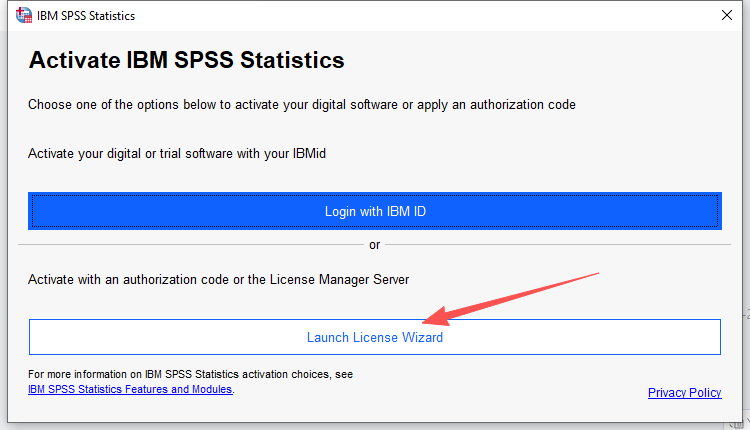
1. Run License Wizard
Open SPSS and launch the License Wizard
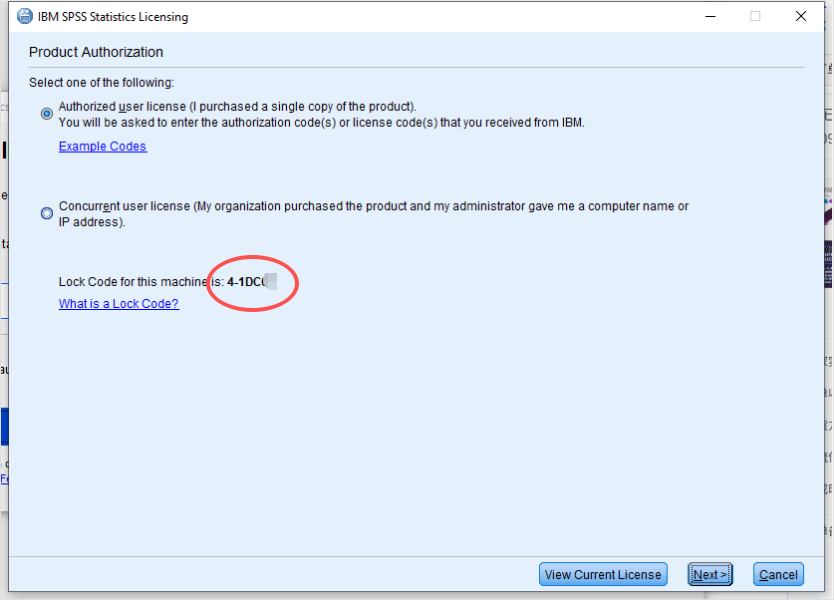
2. Copy Lock Code
- Copy Lock Code
Part 3:Obtain license code
- Enter your lock code
- Enter Key (We provide)
- Copy License code
Part 4:Obtain license code
Select the first option: “Authorized user license”. Click Next.

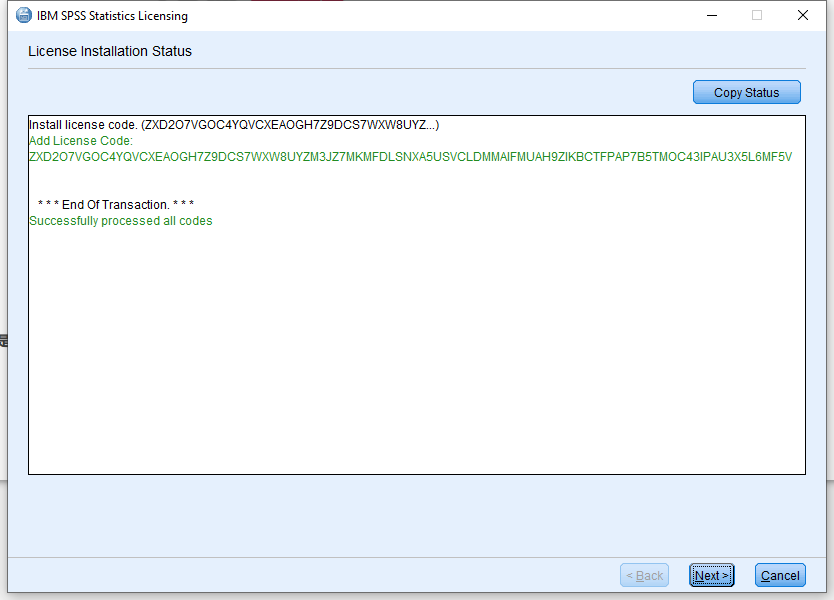
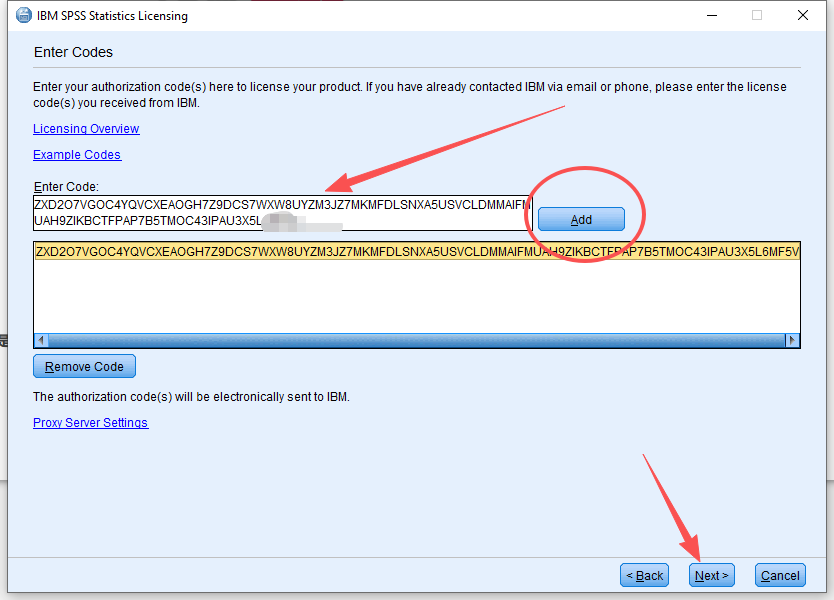
Enter the License Code just get. Click Add, then Next.
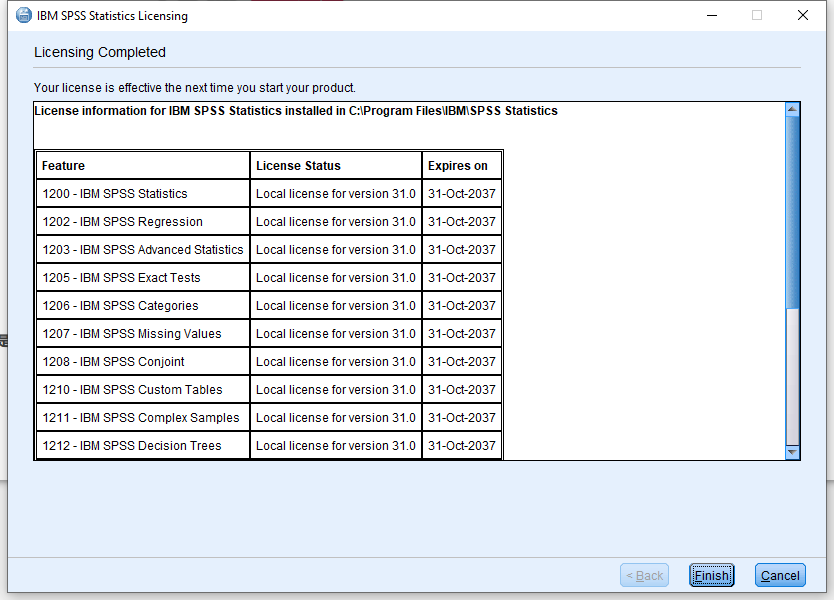
Success!